








How Wagers Share a Flight in Aviator
Aviator sets a curve in motion for the shared round. A wager earns its displayed multiple only if it is collected in time. When the flight stops before you collect, that stake is lost. The animated rise is not a countdown to a known ending.
| Game element | What it does |
|---|---|
| Auto Bet | Submits a new wager. |
| Auto Cashout | Attempts collection at a selected threshold. |
| Shared end point | Applies to both wager panels in the same round. |
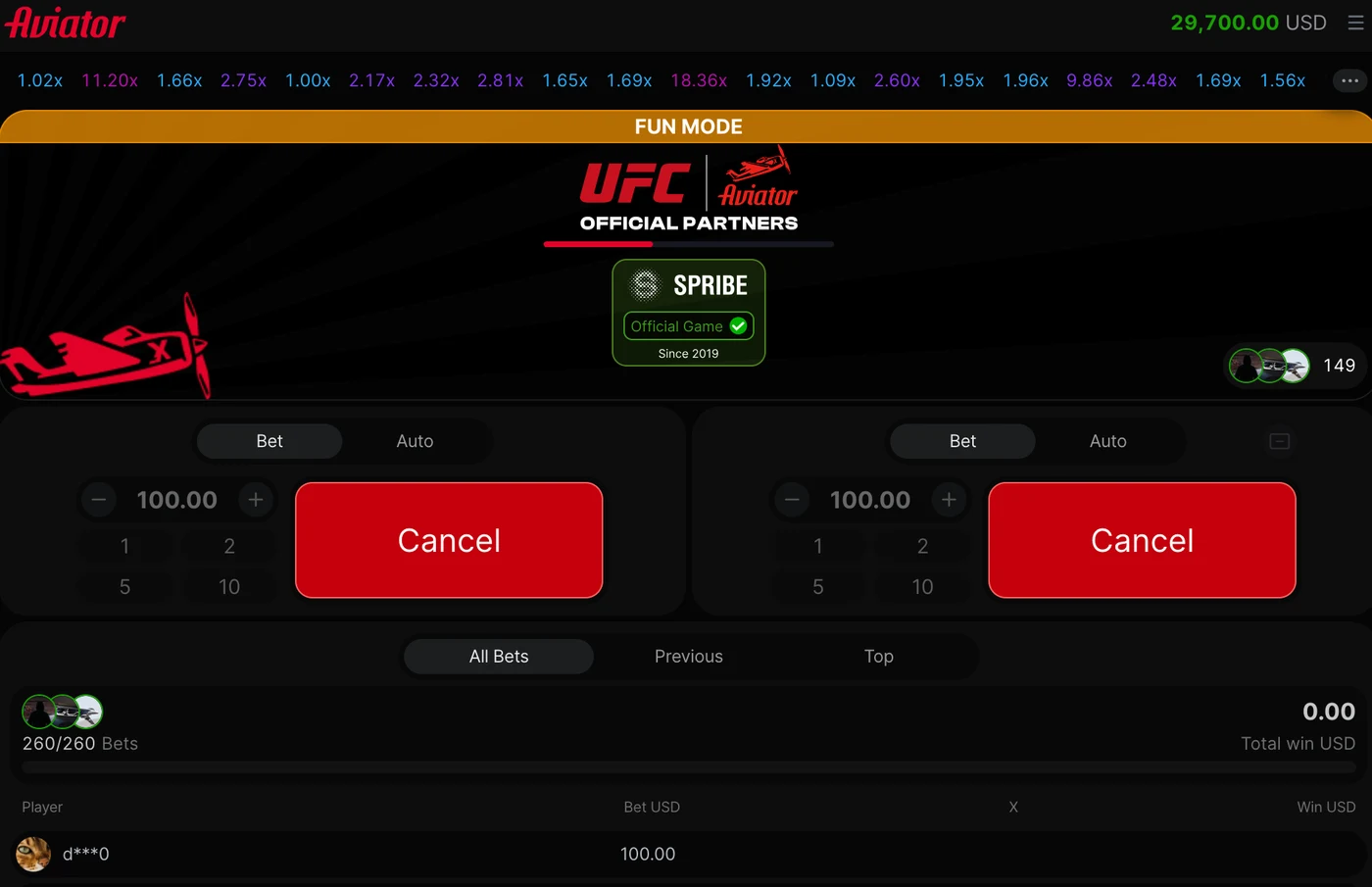
The round shows a multiplier rising from its starting value while the flight remains active. A cash-out must be accepted before the end of that same shared event. A higher number on the curve is a possible payout only while an eligible bet can still collect it.
For example, a confirmed 1.75× collection on a hypothetical C$2 wager would credit C$3.50, a net gain of C$1.50. If the round ends before the wager successfully collects, the displayed intermediate value does not become a credit.
How manual and automatic controls differ
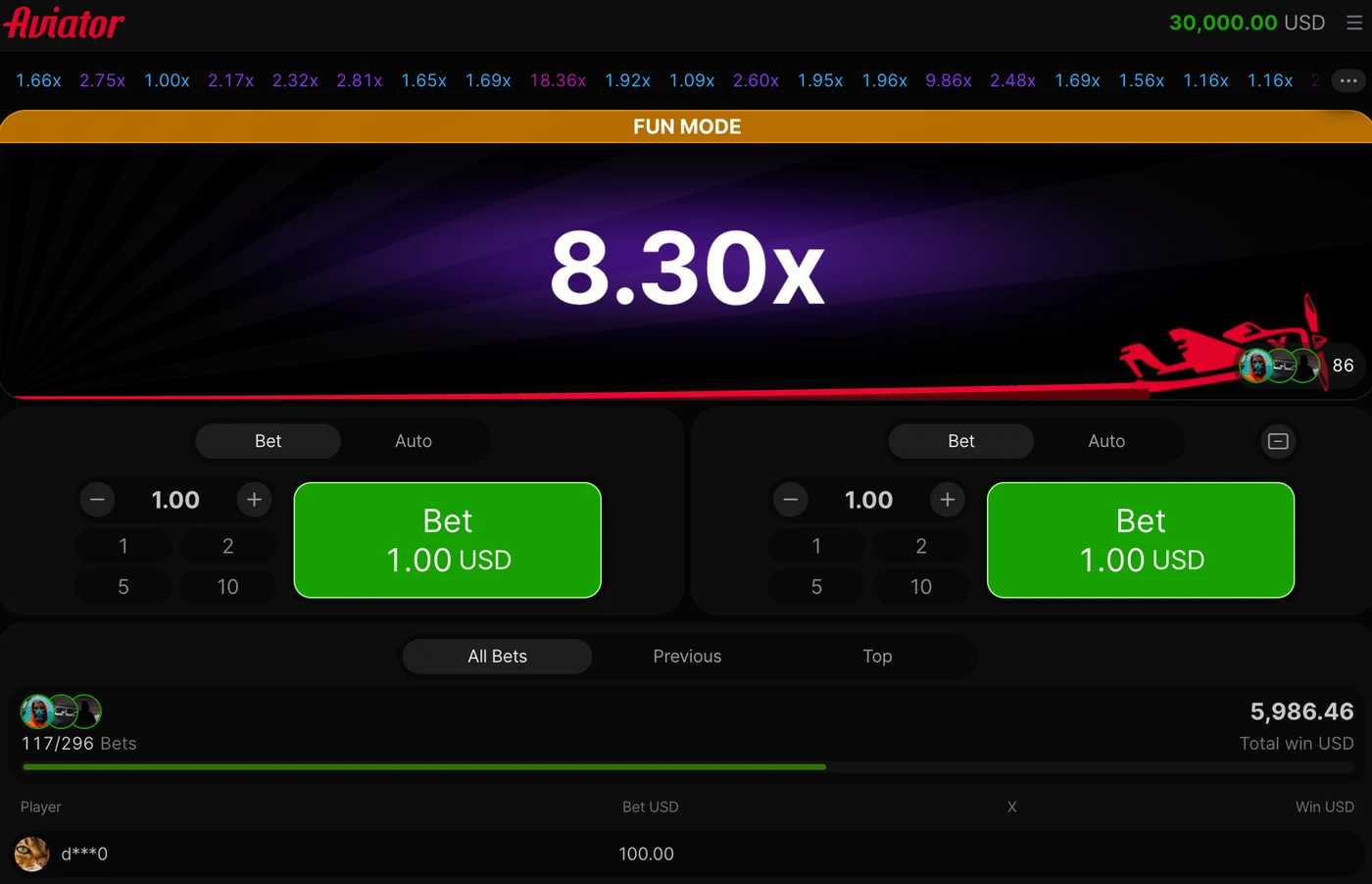
Auto Cashout aims to collect at a set multiplier if the round reaches it. Auto Bet instead starts new wagers. The two settings are independent, and two wager panels in one round share the same crash point. Different targets therefore do not give the two bets independent events.
- Budget both stakes if both panels are enabled.
- Read the confirmed result if the round ends during a cash-out attempt.
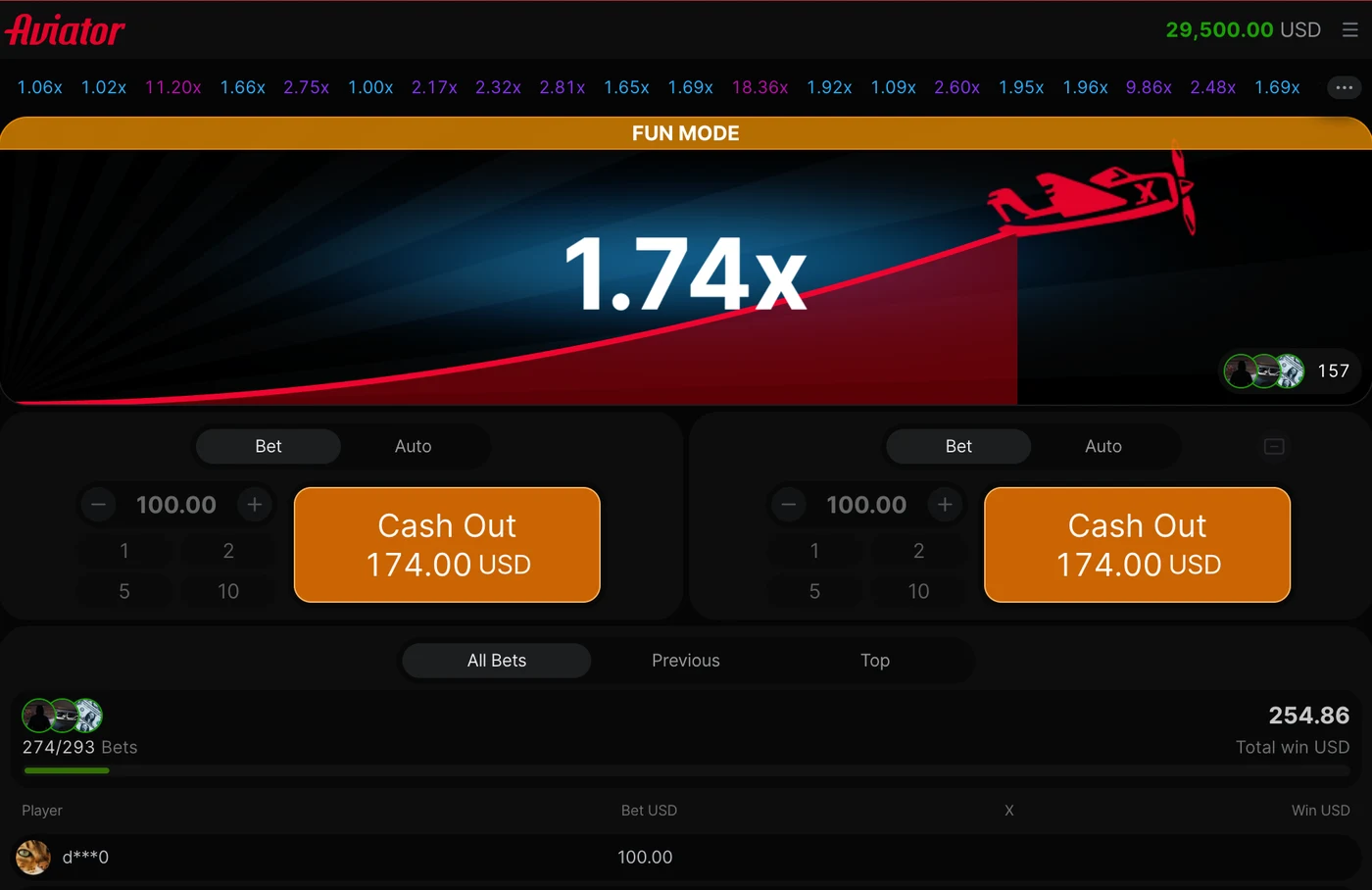
When automatic collection is set, the threshold applies to the wager the player already put in. An automatic wager is a different control and can keep submitting stakes as new rounds begin. Check which toggle a recording or instruction is describing.
Two wagers on the same Aviator flight
Using both panels can produce two different outcomes in one round if one collects before the crash and the other does not. Both depend on the same event. This is why two selected thresholds should not be compared as independent games.
Reading the result after the flight ends
SPRIBE publishes a 97% model. The previous round's ending is not a reliable signal for the next one. Check your two panels separately and read the transaction history if a round ended around the time you tried to collect. This is a timed cash-out game with no paylines or natural free-spin feature.
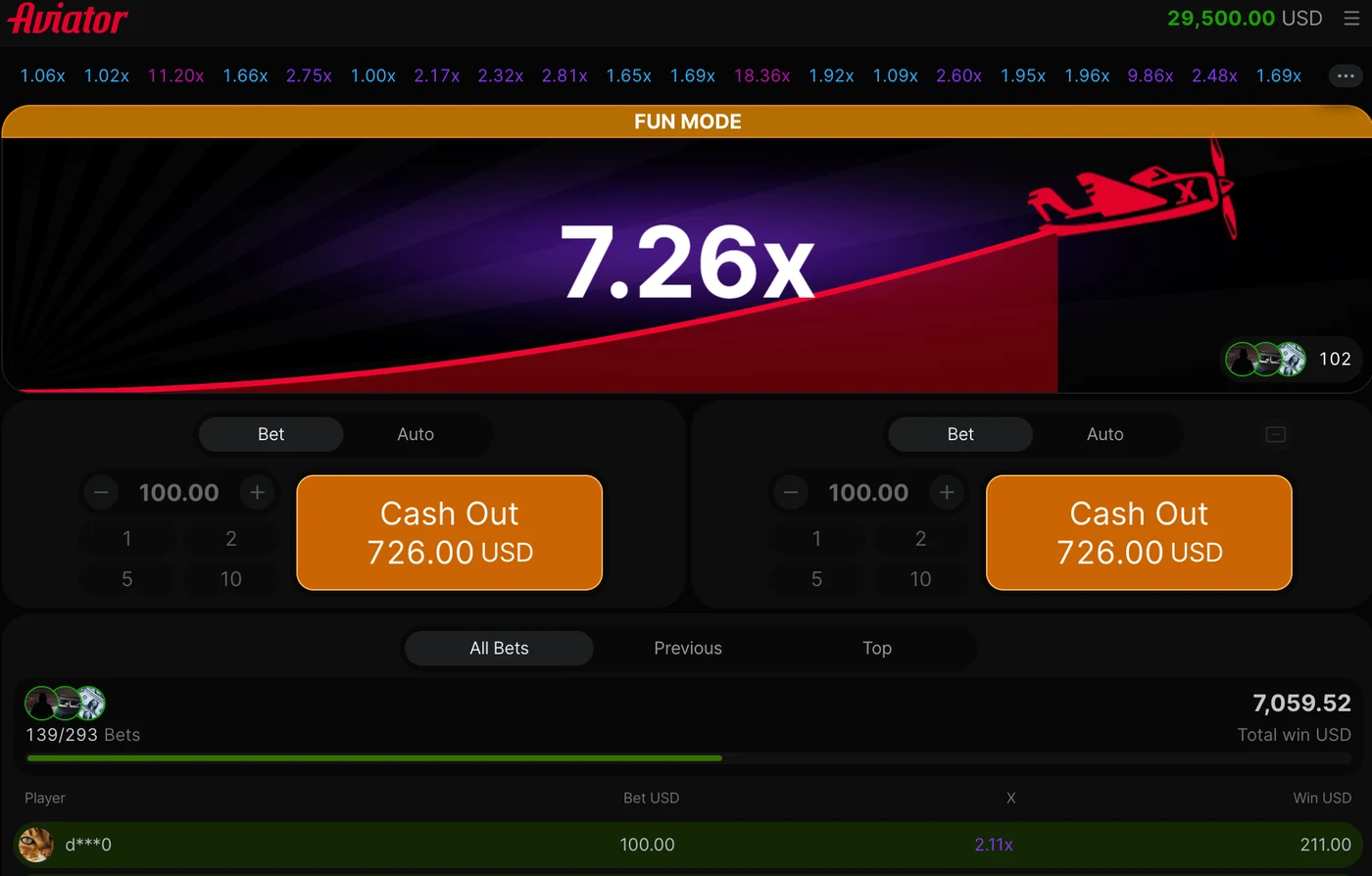
The history panel gives the settled wager details. Use it if the end of the round appeared to coincide with a cash-out attempt, since a click or a last visible multiplier does not establish which result was accepted.
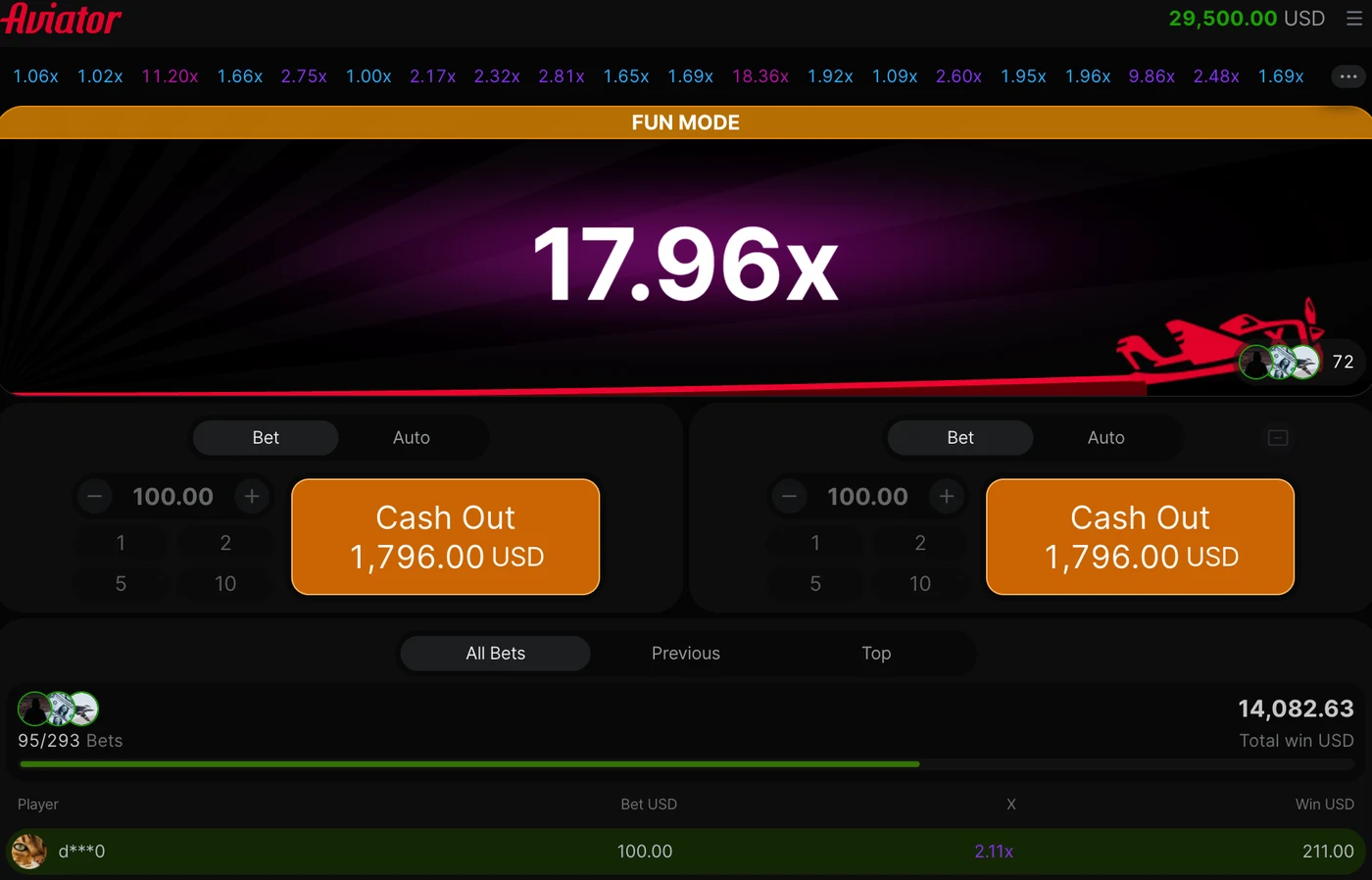
The published 97% model describes expected return under its assumptions. A run of low endings does not provide a dependable signal for a higher next one. Base any interpretation on the actual stake, confirmed exit and official result entries in the game.
Aviator Demo
An Aviator demo, where offered, can help you distinguish Auto Bet from Auto Cashout. Follow the confirmed outcome for each virtual wager rather than reading the last multiplier visible on the curve as your return.
- Check whether automatic betting is enabled in each wager panel.
- Read the collection threshold separately from the stake.
- Use the result history to verify which wager collected before the flight ended.
Before using real money, check the casino's RTP, the stake in each panel and any automatic settings. Two wagers in a single flight share the same ending, and each accepted cash-out is recorded separately.
Gambling risks and limits
Paid rounds can lose the entire stake. Set time and spending limits before playing, avoid borrowing money to gamble, and take a break if you find yourself trying to recover a loss. Support services and self-exclusion arrangements vary by province.